If you’re having trouble installing or running Electron apps such as Lunar Client, iTero or similar please download our Troubleshooter tool here: Overwolf Electron Troubleshooter
How to use the Troubleshooter:
Download and run the file from the link above.
Click the Check For Issues button.
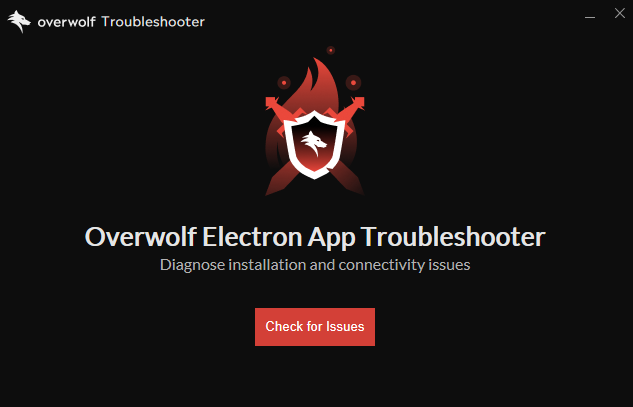
The tool will scan your system and display any problems it finds.
To fix them, simply click Select all under Detected Issues and let the Troubleshooter apply the recommended fixes.
And that’s it!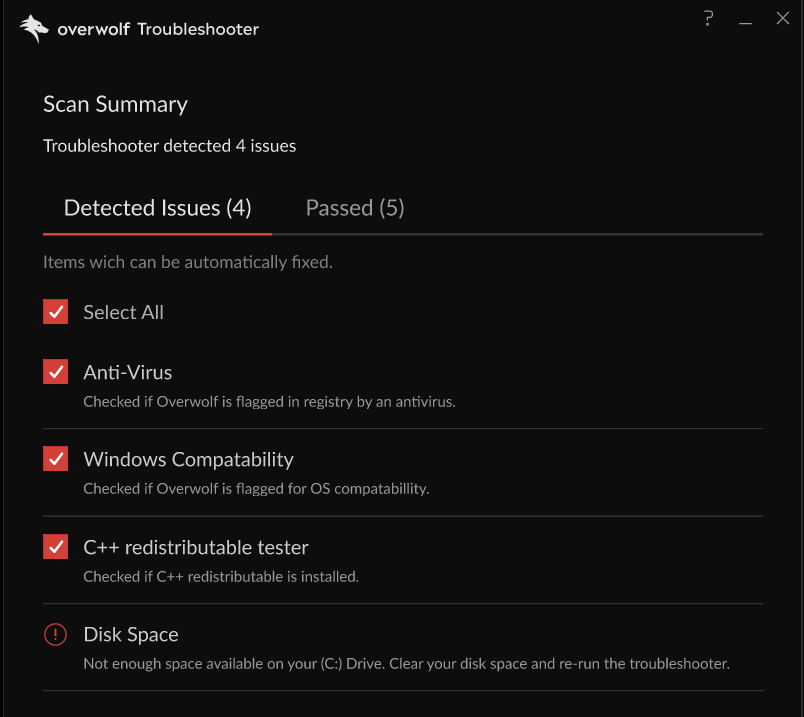
If the Troubleshooter can’t resolve an issue or something still isn’t working, click Create Logs Zip.
This will generate a log file that you can send to our support team so we can investigate further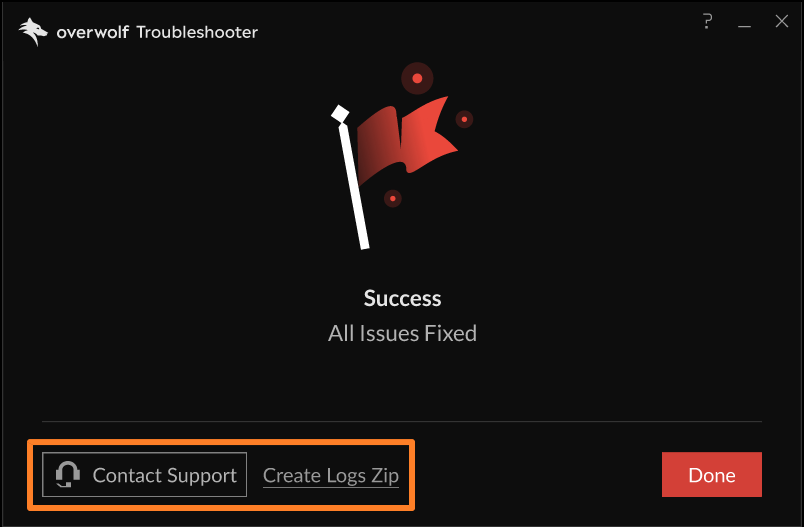
Click here to open a support ticket
Don’t forget to attach the Troubleshooter log files!
If the file is too big to be sent by email please try uploading it to a cloud service such as Google Drive or Dropbox.
If you are still encountering any issues please try these steps:
Connection Blocked by Hosts File Modification
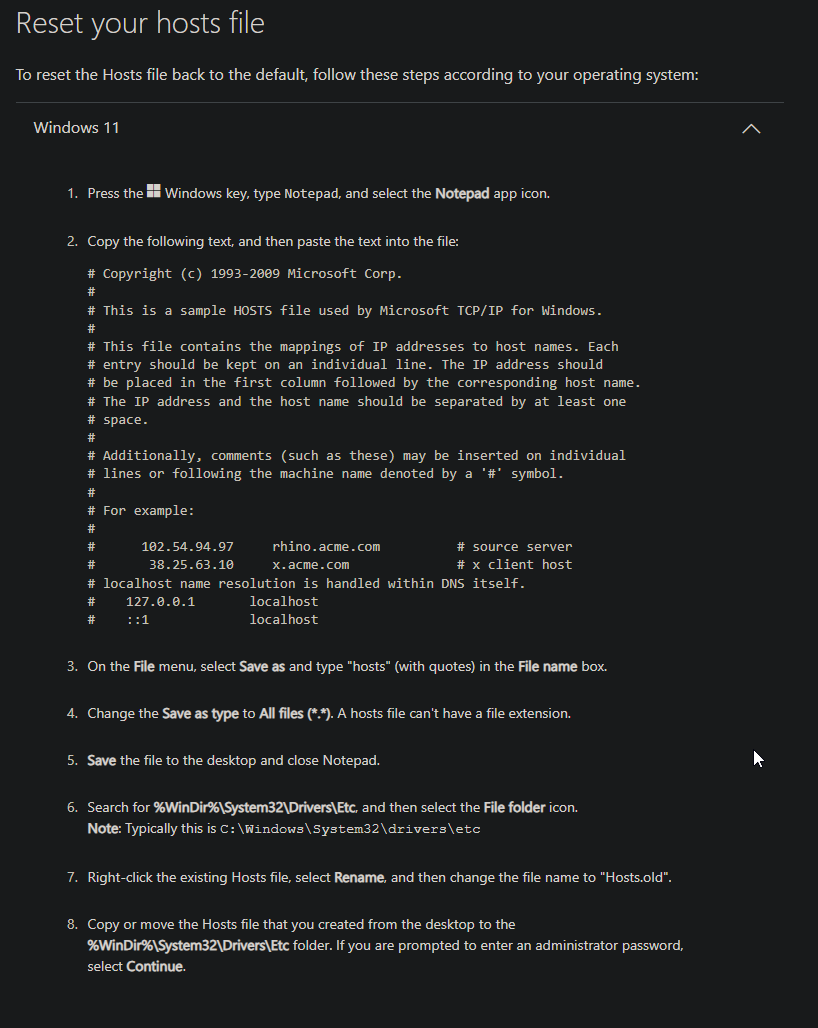
If you have received this error during the installation process, please follow this guide: How to reset the Hosts file back to the default (Microsoft) in order to reset your system's hosts file, then try to run the installer again.
Please go to How to reset the Hosts file back to the default (Microsoft) in order to copy the required text:
Installation Logs
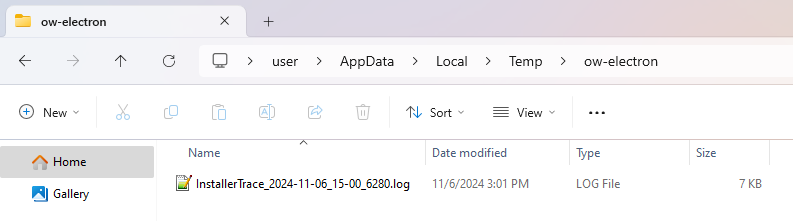
If you require any help with this error or any other errors that show up during the installation process, please gather your installation logs according to the steps below and send them to our team so we could assist you further:
- Collect the installer logs by going to %Temp%\ow-electron
- Create a zip file of the folder
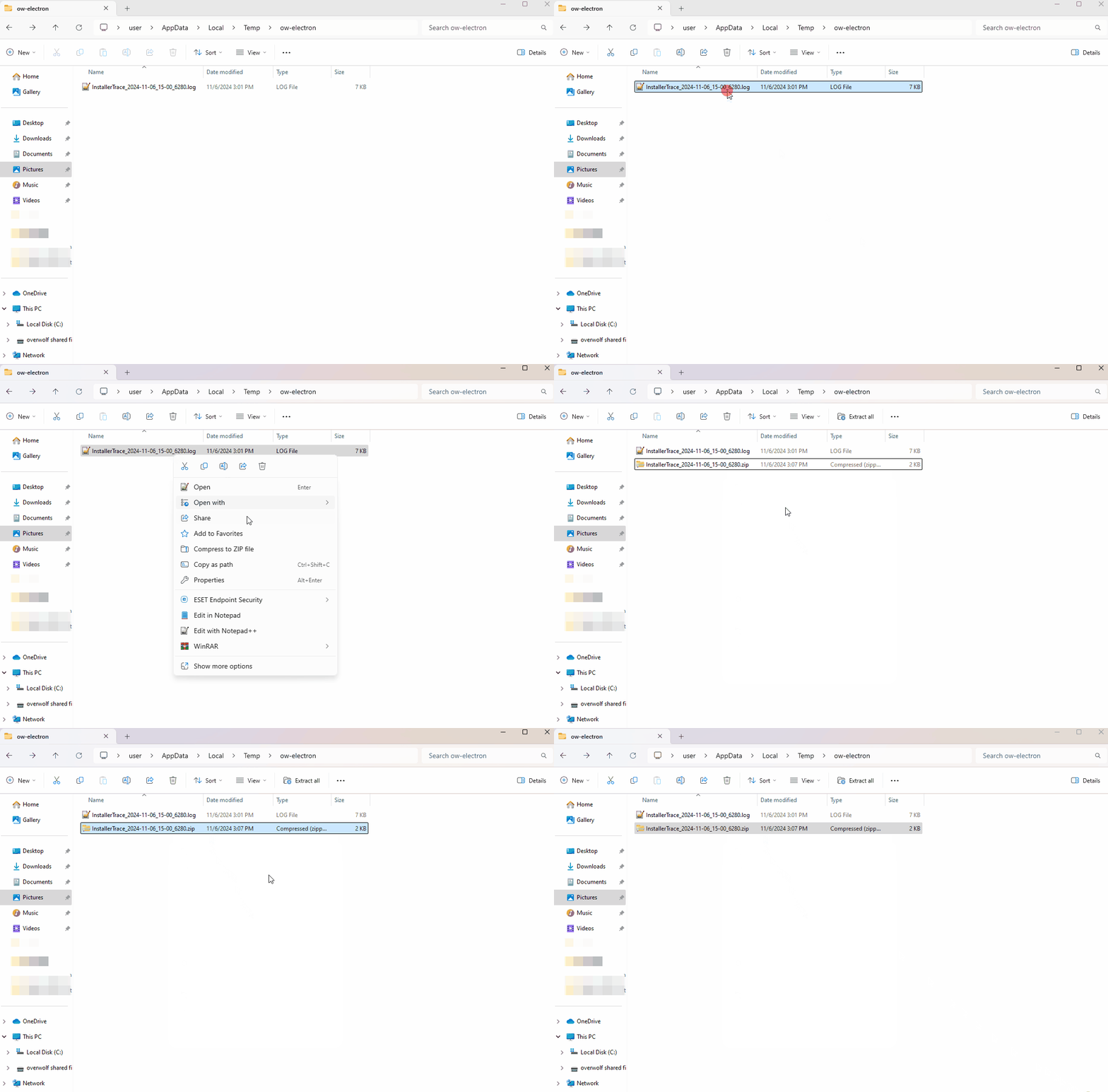
- Open a ticket with our support team and attach the zipped log files: https://support.overwolf.com/en/support/tickets/new
If you are encountering issues installing non-Electron Overwolf apps, please try the steps in Overwolf Installation Troubleshooting.